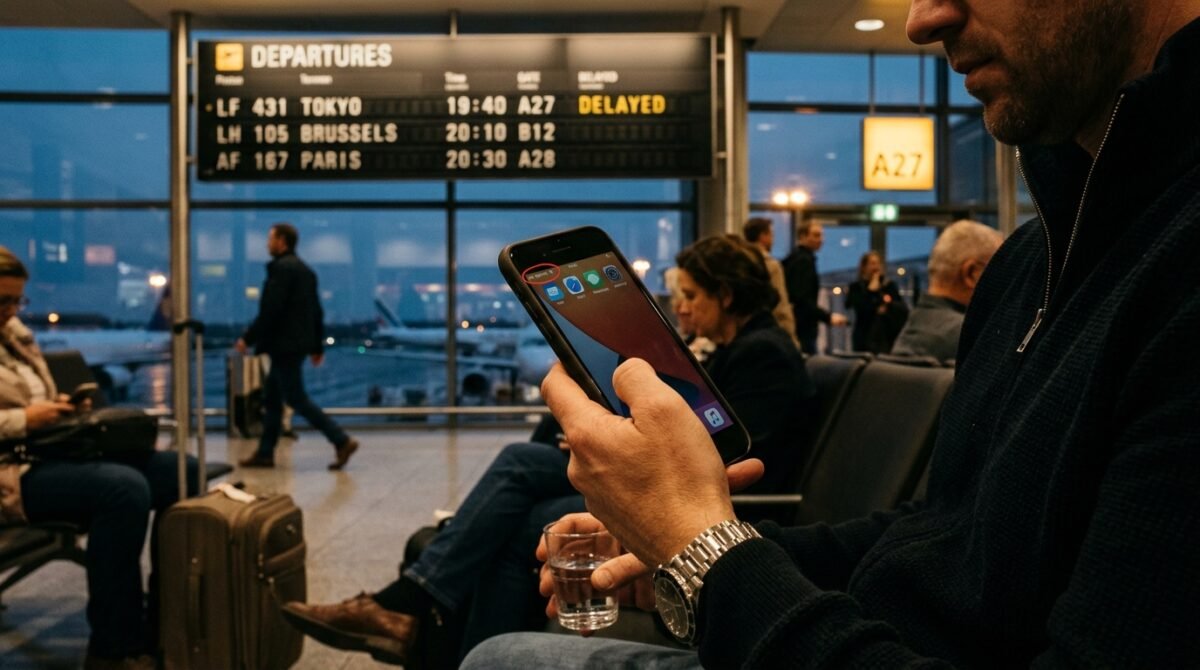
If your travel eSIM shows “No Service” or won’t connect, it’s almost always a quick settings fix — not a broken eSIM. The usual culprits are data roaming switched off, the wrong line selected for data, or trying to connect before you’ve reached your destination. Work through the nine fixes below and you’ll usually be online in a minute.
Why is my eSIM not connecting?
An eSIM needs three things to work abroad: it must be installed, chosen as your data line, and allowed to roam. Miss any one and you’ll see “No Service” or no data. The other common reason is timing — some plans only start when your phone first connects to a network at the destination, so testing at home shows nothing.
9 fixes for an eSIM with no service
- Turn on data roaming for the eSIM line. Settings → Mobile Data → your eSIM → Data Roaming ON. This is the number-one fix — a travel eSIM roams by design.
- Select the eSIM as your data line. Set “Mobile Data” to the travel eSIM, not your home SIM.
- Check you’ve arrived. If your plan activates on first use, it won’t connect until you land and reach the local network.
- Toggle airplane mode. On for 10 seconds, then off — this forces your phone to re-scan for networks.
- Restart your phone. A full restart clears most stuck connections.
- Check the APN. If data still won’t load, confirm the APN in your plan’s setup email is entered correctly.
- Select the network manually. In network settings, turn off automatic selection and pick a local carrier from the list.
- Confirm the eSIM is enabled. Make sure the travel line is switched on in your plans list, not paused.
- Reinstall or contact support. Your QR code stays in your account; reinstall it, or reach support if it still won’t connect.
How to check your eSIM is installed and active
Open Settings → Mobile Data (or Cellular). You should see your travel plan listed as a second line. If it’s there but shows no signal, the fix is almost always roaming or line selection above. If it isn’t listed at all, it never finished installing — reinstall from the QR code in your confirmation email using our install guide. The exact menu names vary by phone — Apple and Google document the steps for their own devices.
When should you contact support?
If you’ve enabled roaming, selected the eSIM line, restarted, and you’re at your destination but still offline, it’s time to reach out. Have your order details ready. Because your plan lives in your account, support can check activation and reissue the eSIM if needed — you won’t lose what you paid for. See our arrival guide for the exact on-landing steps.
Related: avoid the setup slip-ups in the first place — 5 costly eSIM mistakes to avoid.
Still stuck? We’ve got you
Nine times out of ten it’s roaming or the data line. If you’re still offline after these steps, your plan is safe in your account and support can help. Manage your eSIM or grab a plan and travel connected.
Frequently asked questions
Why does my eSIM say "No Service" abroad?
Almost always because data roaming is off for the eSIM line, or your home SIM is still set as the data line. Enable roaming for the eSIM and select it for mobile data.
Do I need to be in the country for my eSIM to work?
Usually yes. Many travel eSIMs only activate when they first connect to a network at your destination, so they show no signal while you're still at home.
Can I fix an eSIM without reinstalling it?
Most of the time, yes. Toggling data roaming, reselecting the data line, and restarting the phone resolve the large majority of connection problems.
Will reinstalling my eSIM cost me again?
No. Your plan and QR code stay in your account, so you can reinstall the same eSIM without buying a new one.
Was this article helpful?
Thanks for your feedback!